Voice FX
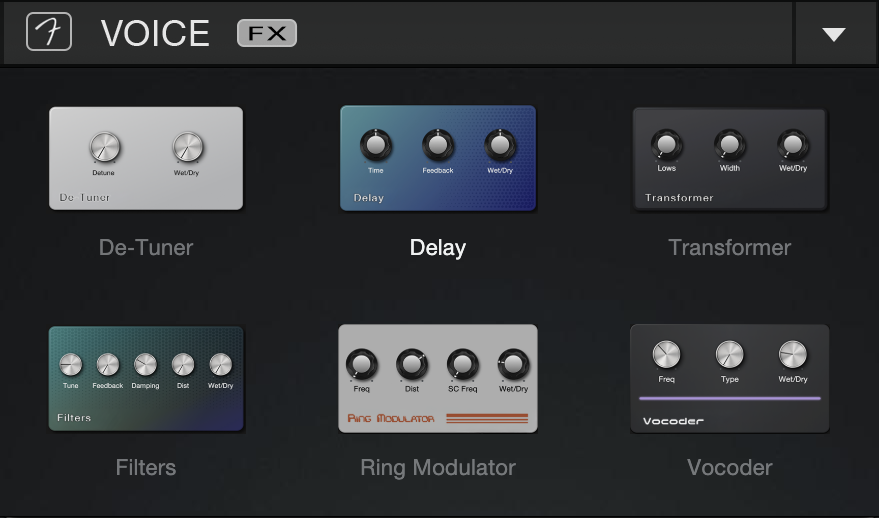
Six vocal effects are included in Fender Studio Pro’s Voice FX plug-in: De-Tuner, Delay, Transformer, Filters, Ring Modulator, and Vocoder.
De-Tuner
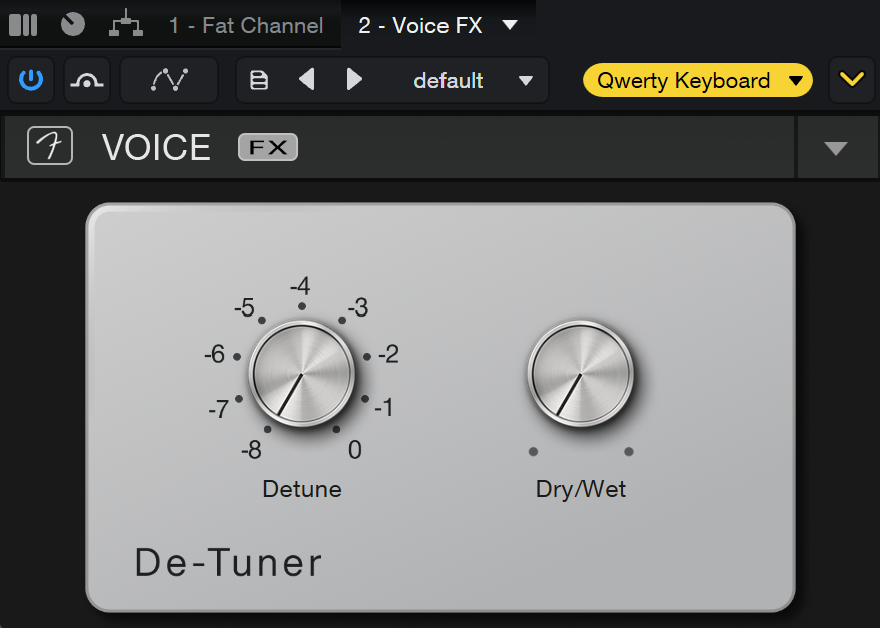
The De-Tuner is used to alter the pitch of a vocal signal by mixing a slightly detuned copy of the original vocal with the original signal. This simulates the effect of a vocal doubling or chorus by adding a subtle pitch variation to your vocals.
-
Detune: Adjusts the severity of detuning applied to the selected track.
-
Dry/Wet: Adjusts the mix of processed signal and the original dry signal.
Delay
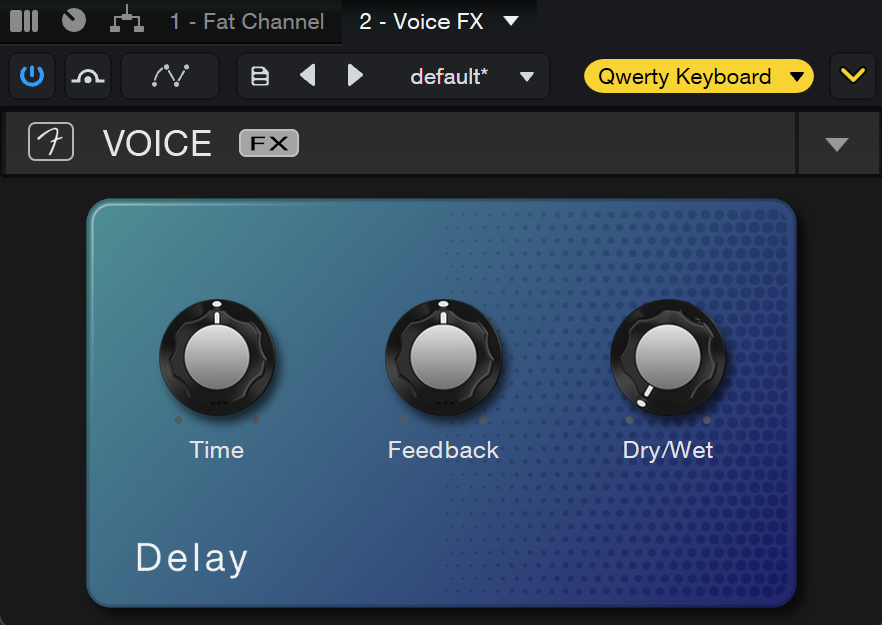
Delay plays back your vocal signal after a set time, creating repeating echoes of your vocal signal.
-
Time: The base delay time.
-
Feedback: Feedback percentage; that is, the amount of delayed signal to be fed back into the delay input. Variable from 0 to 100%.
-
Dry/Wet: Adjusts the mix of processed signal and the original dry signal.
Transformer
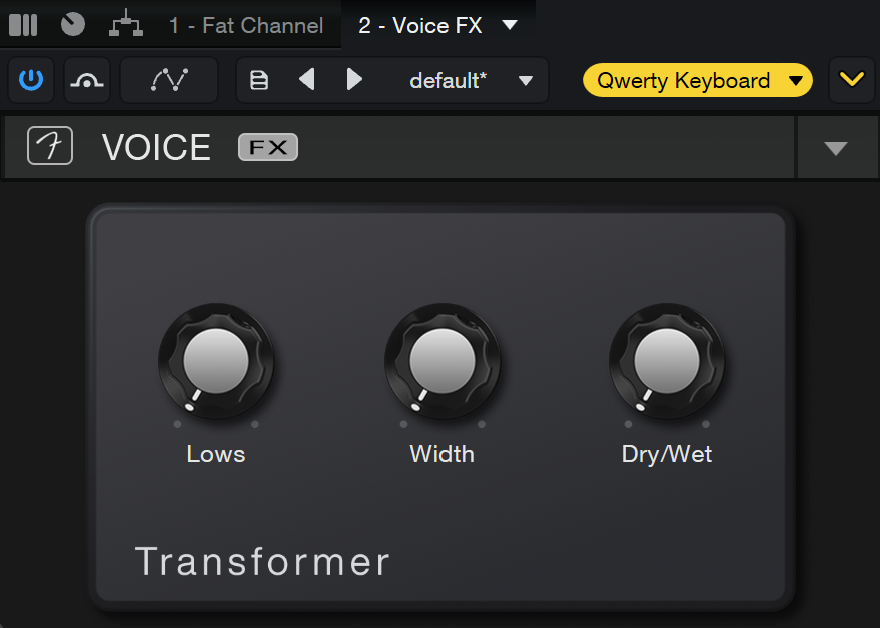
The Transformer emphasizes the lower frequencies of the voice, whilst a lower octave is mixed in slightly from an octave divider.
-
Lows: Adjusts the lower frequency mix.
-
Width: Adjusts the reverb width.
-
Dry/Wet: Adjusts the mix of processed signal and the original dry signal.
Filters
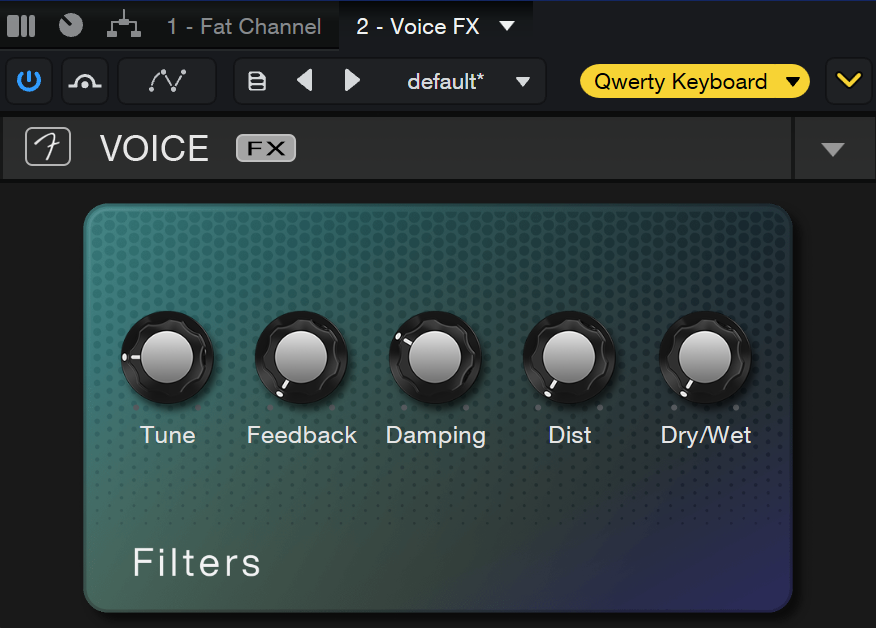
The Filters plug-in effect can be used to tune or modify the overall tonal character of your voice.
-
Tune: Adjusts the severity of tuning applied to the selected track.
-
Feedback: Feedback percentage; that is, the amount of delayed signal to be fed back into the delay input. Variable from 0 to 100%.
-
Damping: The damping parameter provides control over the amount of resonances created by the Filter plugin. When set to max, the resonances are completely dampened, while damping set to min will lead to ringing resonances and bell-like sounds.
-
Dist: Adjusts the amount of distortion added to the effect.
-
Dry/Wet: Adjusts the mix of processed signal and the original dry signal.
Ring Modulator
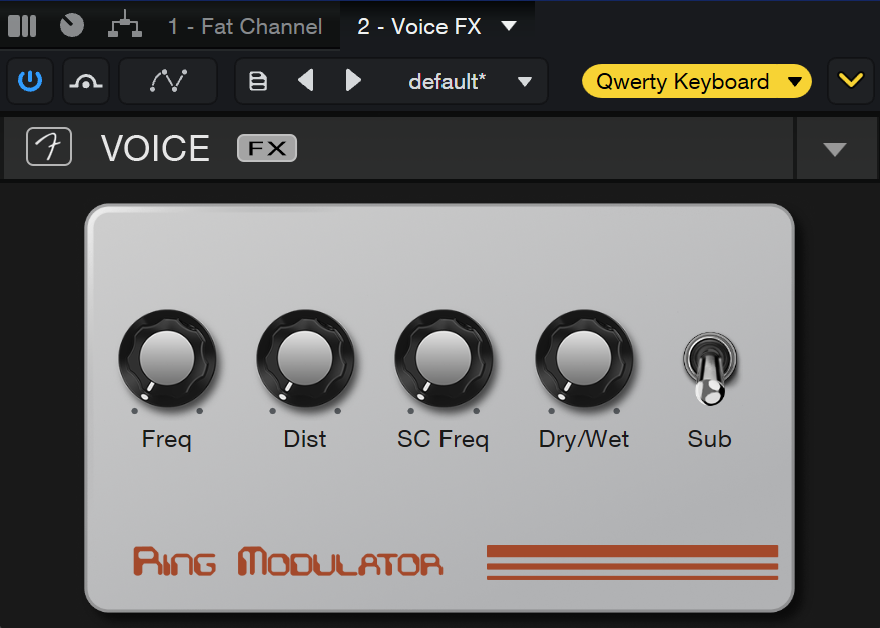
The Ring Modulator is used to drastically alter the sound of a voice by multiplying its frequency content with another signal, typically a simple waveform, resulting in a distorted and often robotic-sounding voice.
-
Freq: Set the tone frequency from 0.10 Hz to 2 kHz.
-
Dist: Adjusts the amount of distortion added to the effect.
-
SC Freq: SC stands for “sub carrier,” which is a second carrier signal. Adjusting the SC Freq will make the output sound richer and fuller.
-
Dry/Wet: Adjusts the mix of processed signal and the original dry signal.
-
Sub: When Sub is switched on, a second carrier is added for the modulation. The frequency of the second (or sub) carrier is then controlled using the SC Freq parameter.
Vocoder
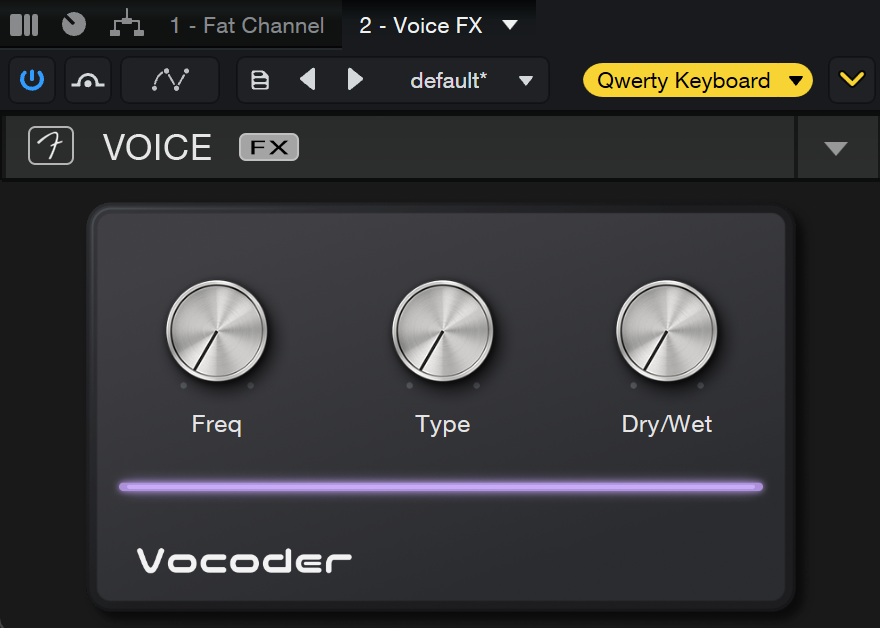
The Vocoder is used to alter the sound of a voice by analyzing and synthesizing it. It is often used to create robotic or otherworldly vocal effects.
-
Freq: Controls the frequency of the internal carrier signal. When the Type is set to Noise, Frequency controls a blend between pink noise (left) and white noise (right).
-
Type: Choose between three types of vocoder carrier sources: Noise, Sawtooth, and Rect.
-
Dry/Wet: Adjusts the mix of processed signal and the original dry signal.